
Search Hawkins County Public Records
Hawkins County Public Records are easiest to sort when you begin with the county page that matches the file. The county portal gives you contact points for officials and department heads, a calendar of events, online property tax payment, and several public service notes that help narrow the search. That matters in a county where building permits are not issued locally, zoning is not handled through county restrictions, and some requests need to move to the state side. If you know the office or the record type, the search stays tight and the request stays local.
Hawkins County Public Records Overview
The Hawkins County portal at hawkinscountytn.gov is the main local front door for Hawkins County Public Records. The site is useful because it puts county contacts, department heads, and public-facing services in one place. It also points to a calendar of events with festivals, parades, and luncheons, which tells you the county keeps a visible public schedule. That kind of structure matters when you are trying to track a notice, a meeting date, or a county action back to the office that created it. The portal gives you the map before you ask for the file.
Hawkins County also lets residents pay property tax online, and that is another sign that the county wants the public to start with a clear service page before moving into records questions. Some county items are simple, like a tax receipt or a public notice. Others are more formal and may need state help later. A good Hawkins County Public Records search begins with the office and the date, not with a broad topic that could point to several different desks.
A look at the Hawkins County government portal at hawkinscountytn.gov matches the county image below and gives you the public entry point for Hawkins County Public Records.
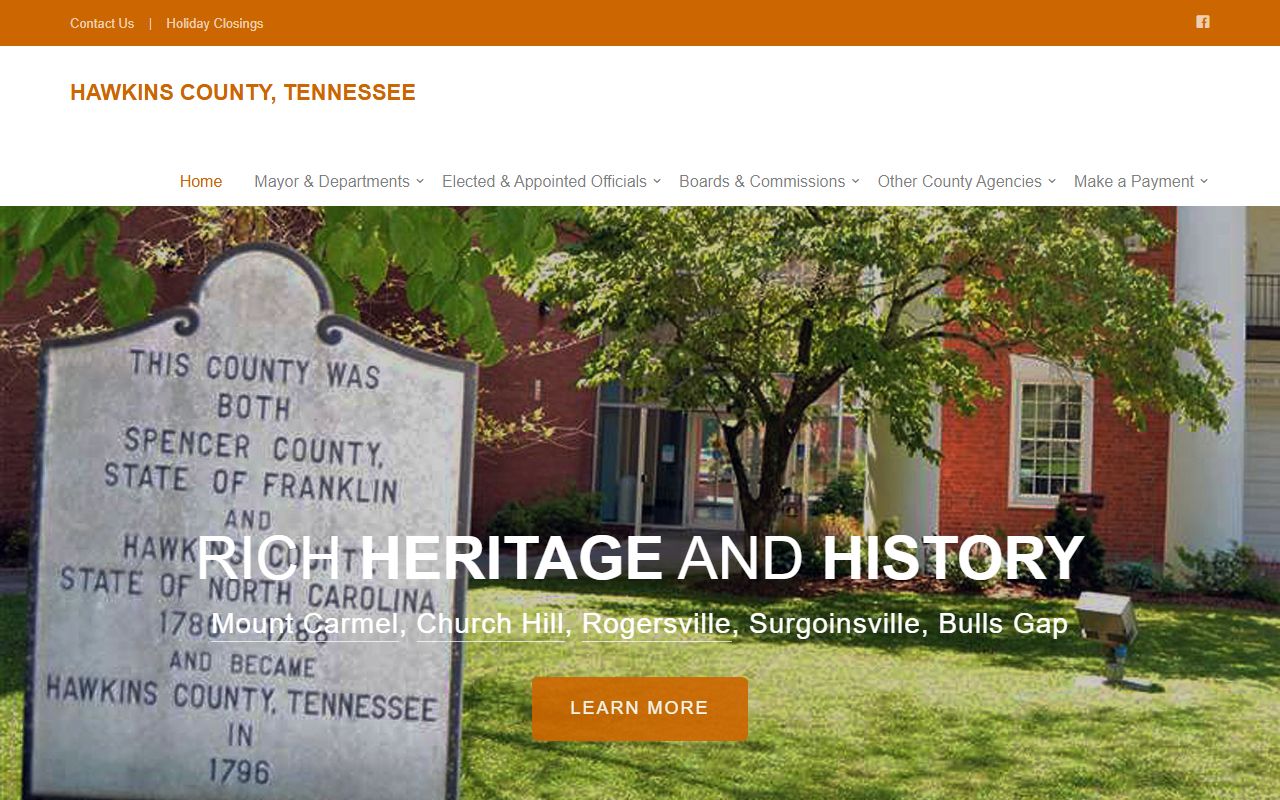
That portal is the best starting point when you want the county's own path instead of a general web search that may miss the office that actually holds the file.
Hawkins County Public Records And Services
Hawkins County Public Records are shaped by a service-heavy county page. The site notes that the county officials and department heads are easy to contact, which makes the county helpful when you need to identify the right custodian first. It also says Hawkins County does not issue building permits and that the county follows the State of Tennessee for that process. That is important because it tells you a permit search may need to move out of county government and into state records or state guidance.
The county also says there are no zoning restrictions or code enforcement in the county. That narrows the records trail in a useful way. If you are searching for a zoning file, the answer may be that Hawkins County does not keep one. If you are searching for a permit file, the state may hold the relevant information instead. The county's public records path is easier to read once you know which files do not exist locally.
Other public-facing county items matter too. The county lists an Affordable Care Act statement on request, a stormwater management program being redeveloped, fair housing awareness programs, a Laurel Run Playground Project through a Rural Access to Health grant, and a U.S. Flag Retirement Box at the County Mayor's Office. Those are not all records in the same way, but they are public actions that can create paper trails. When you search Hawkins County Public Records, those are the kinds of county pages that often lead to the right desk.
- Use the County Mayor's Office when the request starts with county-level contact or the flag retirement box.
- Use property tax pages when the record is about payment history or a county tax question.
- Use the department head contact path when the matter is tied to a county service page.
- Move to the State of Tennessee when the record is tied to building permits or another state-run process.
Hawkins County Public Records And State Help
Tennessee public records law starts with T.C.A. § 10-7-503 and the related access rules in the same chapter. For Hawkins County Public Records, that means the request works best when it names the office, the file type, and the date range. The law gives the right of access, but the custodian still needs enough detail to find the record without guessing. A short request is usually stronger than a broad one, especially in a county where some services, like building permits, do not stay local.
If the local custodian is not obvious, the Tennessee Open Records Counsel can help point you to the right desk. The Tennessee Comptroller public records request page is also useful because it shows how to frame a clean request before you send it. Those state tools are not a replacement for Hawkins County offices, but they do make the local search easier to start and easier to explain when the county page points you toward the state for a permit or another outside process.
For older Hawkins County Public Records, the Tennessee State Library and Archives is the strongest fallback. TSLA can help with older county material and records that are no longer kept in the active office stack. If a request moves into higher court history, the Tennessee courts public case history portal at tncourts.gov/courts/supreme-court/public-case-history can help with appellate records and related case material. That gives Hawkins County requesters a full path from county office to state support.
For the county's building-permit note, the county points people to the State of Tennessee at tn.gov, so the right move is to check the state side instead of assuming Hawkins County keeps that file locally.
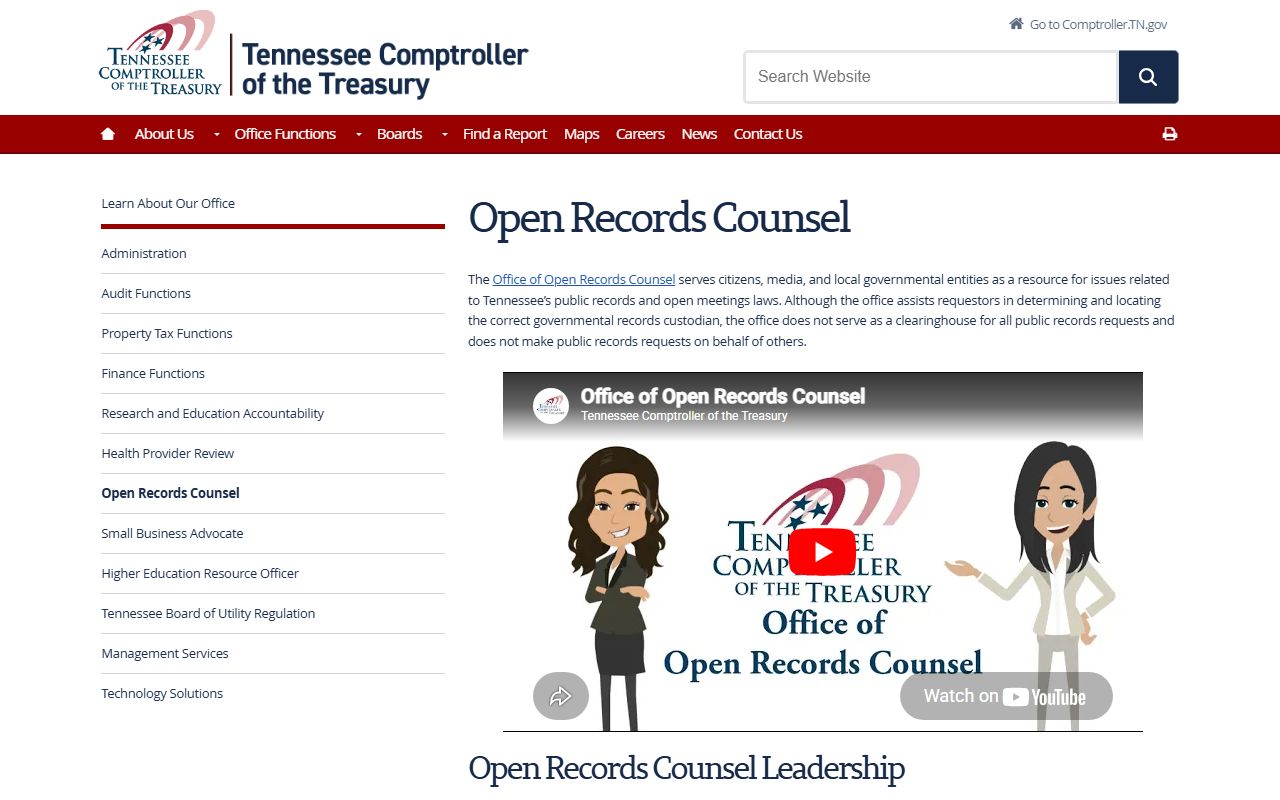
That state guidance is useful when a county service page tells you the file does not live at the county office anymore.
Search Hawkins County Records
A good Hawkins County Public Records search starts with the office, not just the county name. If you know the county mayor or a department head should hold the file, begin there. If the record is a tax payment record, start with the property tax path. If the file is tied to a service page or county event, use the page date or event name to narrow it. If the record is older than the active office stack, move to TSLA. The county portal is helpful, but the office name still tells you where to go next.
Use this short checklist when you ask for a record:
- Name the office that should hold the file.
- Add the record type, date range, or event if you know it.
- Use the County Mayor's Office for county-level public contacts and notices.
- Use the state site when the matter is about building permits.
- Use TSLA when the record is older or archived.
That approach fits Hawkins County because the public portal is broad, but the real record trail is still office specific. A focused request usually gets a better answer the first time.
Accessing Hawkins County Public Records
Access under Hawkins County Public Records follows the same statewide rule that governs the rest of Tennessee. Public records are open unless a separate law keeps them confidential, and the office can ask for enough detail to locate the file. That is why a plain request with the office name and the record type works better than a long general question. Hawkins County's site makes the public front door easy to find, but the office map still matters most when the file itself is the goal.
Hawkins County's public trail also shows how county government, public events, tax pages, state permit routing, and state help fit together. The county portal gives you the map. The county services pages give you the custodian. State help fills the gap when a record is old or when the office path is not obvious. The more direct the ask, the easier it is for the custodian to answer it. Note: Hawkins County records can require a written request or a little follow-up, especially when the file is older or tied to a state-run process instead of a county office counter.