
Find Dickson County Public Records
Dickson County Public Records are easiest to handle when you start with the county office or meeting page that should hold the file. Public meetings are held in person, and the county commission also streams meetings online, so the public trail is visible when you need an agenda, a notice, or a date for a county action. Dickson County sits close to Nashville, with easy interstate access and Montgomery Bell State Park just east of town, so the county serves people who move across county lines often. A short request works best when you name the office and the date.
Dickson County Public Records Overview
The county portal at dicksoncountytn.gov is the main local front door for Dickson County Public Records. The site makes county business easy to reach, and it shows the kind of public trail that often leads to a record later. Dickson County describes itself with the same practical focus you see on the homepage: easy interstate access, a quick drive to Nashville, schools ranked among the best in the state, excellent healthcare, and a strong arts and recreation scene. Those details are not records themselves, but they help explain where county action starts and why the record trail stays local.
The county image below matches the public portal and gives you the right place to begin when the record is tied to county government rather than a private search site. A county portal is often the cleanest first stop because it points you toward the office that created or stores the file instead of forcing you to guess. That matters in Dickson County, where a meeting note, a service question, or a county action can turn into a records request fast.
A look at the Dickson County government portal at dicksoncountytn.gov shows the county's own entry point for Dickson County Public Records.
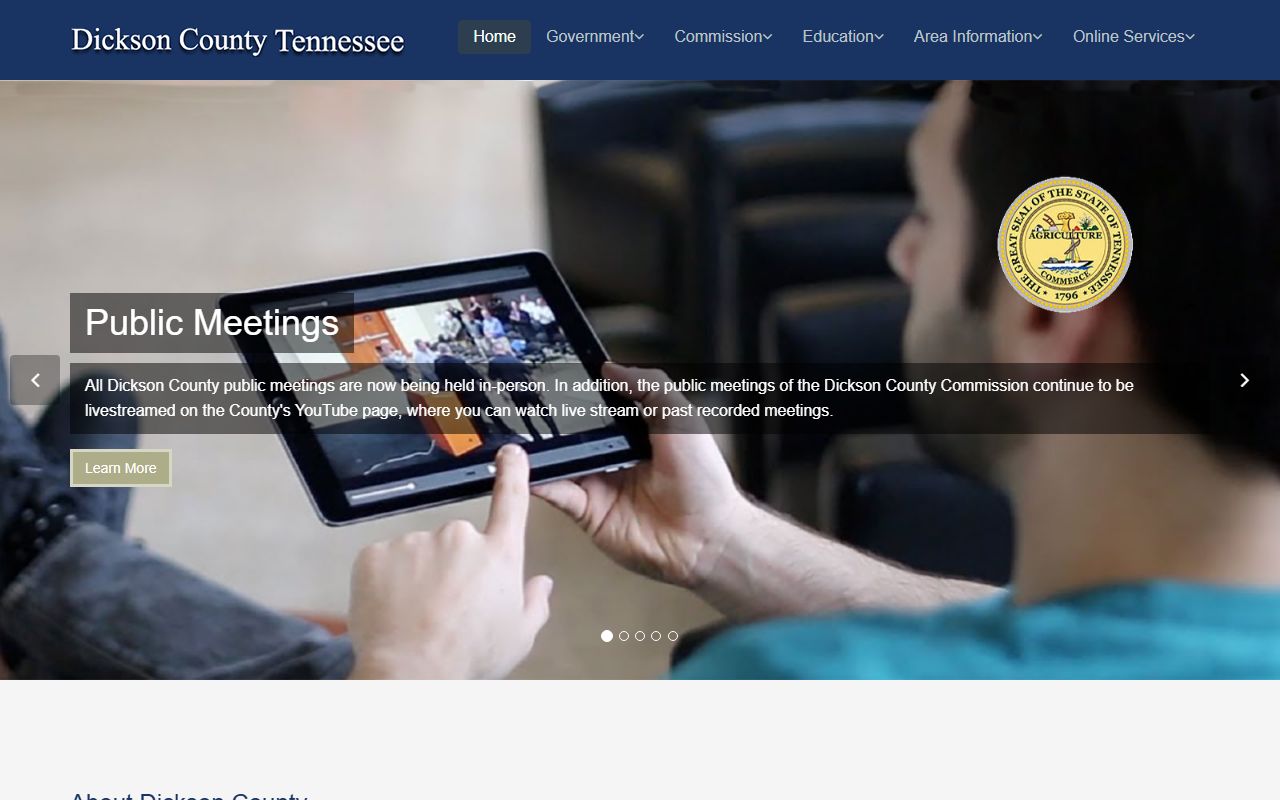
That portal is the best place to begin when you want the county's own path instead of a broad web search that may miss the office that actually holds the file.
Dickson County Public Records And Meetings
Meeting records are a major part of Dickson County Public Records because the county makes its public meetings visible in more than one way. The county calendar at dicksoncountytn.gov/calendar.html gives you a practical place to check public notice dates, upcoming meetings, and the timing of county action. The county's public meeting pages also note that commission meetings are livestreamed on the county's YouTube page, which makes it easier to follow the record trail when you are trying to track an agenda or a later minute item.
That matters because meeting records often start as a notice and end as a document request. If you know the month, the committee, or the action, you can narrow the search before you ever ask for a copy. Public meetings held in person and streamed online give Dickson County a visible record trail, and that trail is useful when you want the agenda, the minute book, or the public item that created a later file. It also helps when the office has many records and you only need the one that fits a specific date.
For Dickson County Public Records, the calendar is more than a schedule. It is the public map for county action. When you keep the date and the office together, the search is faster and the answer is easier to use.
Dickson County Public Records Offices
Dickson County Public Records usually move through a few familiar county desks. The county clerk is a common starting point for routine county business and meeting-related material. The register of deeds is the right office for recorded land documents and other papers tied to property. The circuit court clerk is the place to check when the request turns into a court file, docket search, or certified copy from the courthouse side. Those office lanes keep the search simple because they match the file to the custodian that created or stores it.
That office split matters in a county like Dickson because public records are not all in one place. Some are tied to meetings. Some are tied to land. Some belong to the court side. The better the request matches the office, the less back and forth you need. If the file is newer, the county office may answer quickly. If the file is older, the office can still point you toward the right next step instead of leaving you to guess.
Use the office that fits the record.
- County clerk for county meeting items, county business records, and routine filing questions.
- Register of deeds for recorded land documents and ownership papers.
- Circuit court clerk for court files, docket history, and certified copies.
- County commission or meeting staff for agenda dates and public notice trails.
That simple match keeps Dickson County Public Records searches local and keeps the request pointed at the right desk the first time.
Dickson County Public Records And State Help
Tennessee public records law begins with T.C.A. § 10-7-503, which is the core rule that keeps public records open unless another law says otherwise. For Dickson County Public Records, that means the request works best when it names the office, the file type, and the date range. The law gives the right of access, but the custodian still needs enough detail to find the record without guessing.
If the local custodian is not obvious, the Tennessee Open Records Counsel can help point you to the right desk. The Tennessee Comptroller public records request page is also useful because it shows how to frame a clean request before you send it. Those state tools are not a replacement for the county offices, but they do make the local search easier to start and easier to explain.
For older Dickson County Public Records, the Tennessee State Library and Archives is the strongest fallback. TSLA can help with older county material and records that are no longer kept in the active office stack. If a request moves into higher court history, the Tennessee courts public case history portal at tncourts.gov/courts/supreme-court/public-case-history can help with appellate records and related case material. That gives Dickson County requesters a full path from county office to state support.
Search Dickson County Records
A good Dickson County Public Records search is built on the office, not just the county name. If you know the county clerk holds the record, start there. If you know it is a court file, go straight to the circuit court clerk. If the record is older than the current office stack, move to TSLA. That order keeps the search local and keeps the request from getting too broad. The county portal is helpful, but the record type still tells you where to go next.
Use this short checklist when you ask for a record:
- Name the office that should hold the file.
- Add the record type, date range, or meeting month if you know it.
- Use the calendar page when the request is tied to a meeting date or public notice.
- Use the circuit court clerk for court files, dockets, and case history.
- Use TSLA when the record is older or archived.
That approach fits Dickson County because the county's public meeting trail is visible, but the real record trail is still office specific. A focused request usually gets a better answer the first time.
Accessing Dickson County Public Records
Access under Dickson County Public Records follows the same statewide rule that governs the rest of Tennessee. Public records are open unless a separate law keeps them confidential, and the office can ask for enough detail to locate the file. That is why a plain request with the office name and the record type works better than a long general question. Dickson County's site makes the public front door easy to find, but the office map still matters most when the file itself is the goal.
Dickson County's public record trail also shows how county government, meetings, and state help fit together. The county portal gives you the map. The calendar gives you the date trail. State help fills the gap when a record is old or when the office path is not obvious. The more direct the ask, the easier it is for the custodian to answer it.
Note: Dickson County records can require a written request or a little follow-up, especially when the file is older, not indexed online, or tied to a meeting page instead of a single file room.