
Shelbyville Public Records Search
Shelbyville Public Records are easiest to handle when you split the search between city hall, Bedford County, and the state tools that help fill gaps. The official city portal is the first municipal stop, but many requests still move into county custody because deeds, court files, and older local records usually live there. A clear request names the office, the record type, and the date range. That keeps the search focused and helps you move from a broad question to the exact file without wasting time at the wrong desk.
Shelbyville Public Records Overview
The official city portal at shelbyvilletn.gov is the best first stop for Shelbyville Public Records, even though the site was not resolving when this page was built. That makes the written record trail more important, not less. A city search can still begin with municipal notices, city service questions, council material, or a request that starts at city hall before it moves to the county side. The city name matters, but the office that created the record matters more.
Shelbyville Public Records are not all held in one place. Some belong to the city. Some move to Bedford County offices. Some end up in state help when the record is older or the custodian is not clear. That split is normal in Tennessee. It is also the reason a Shelbyville search works better when you name the record type first and then match it to the office that should own it. A simple request usually works better than a long one.
For a local anchor, the Bedford County Government site at bedfordcountytn.org is the county-side fallback when a Shelbyville record leaves city hall and moves into county custody. That matters for public records because the city and county roles can overlap in the same search, especially when the record touches land, court work, or older county material.
The Shelbyville city portal at shelbyvilletn.gov is the municipal front door for Shelbyville Public Records and the best place to start when the request is clearly a city matter.
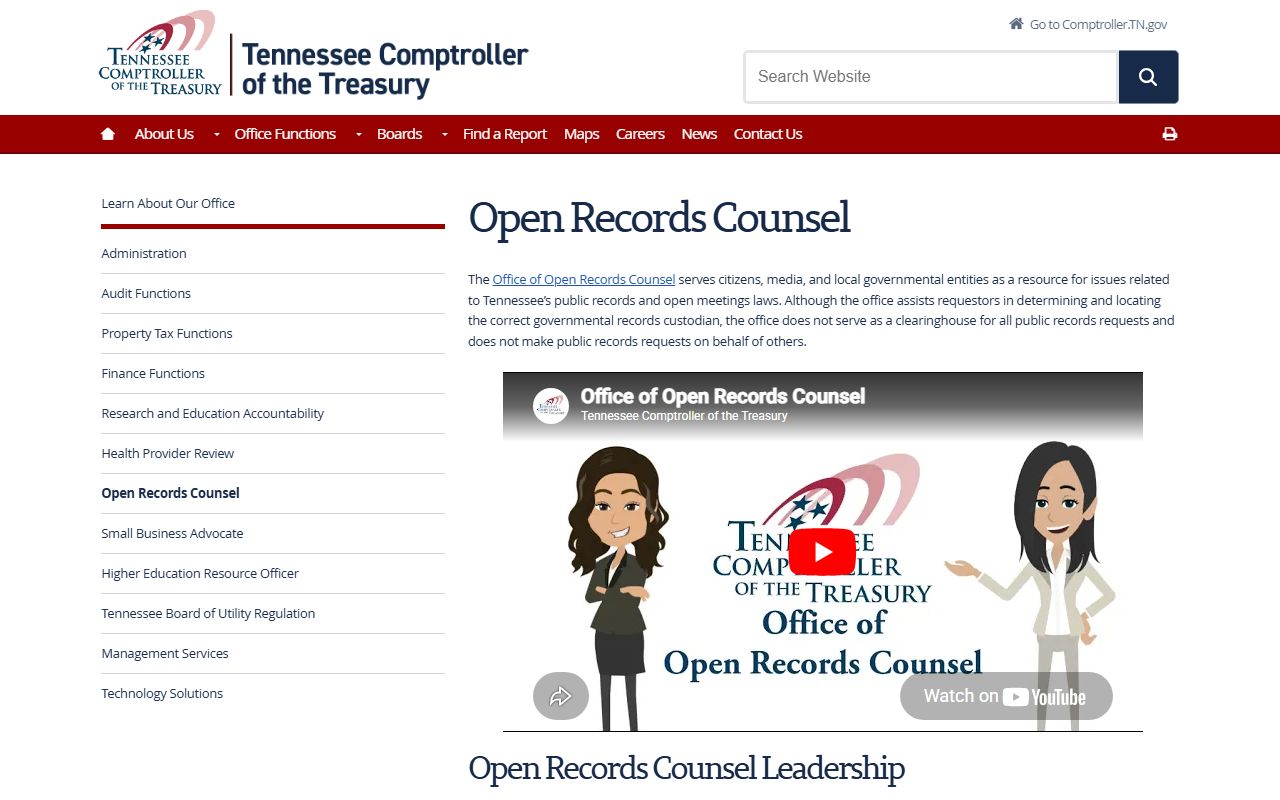
Because the city site and local image were unavailable during research, the state Open Records Counsel page is the cleanest fallback for Shelbyville Public Records questions.
Shelbyville Public Records and City Hall
City Hall is the natural start for Shelbyville Public Records when the file is municipal. That can include council material, city notices, public service pages, and records that begin with a local department. The key is to keep the request tied to the office that created the paper. If the city has the file, a focused request gets you there faster. If the city does not, you can move to Bedford County without starting over from zero.
That city-first path is useful because not every public record is a court paper or a land record. Some city files are about meetings. Some are about local service work. Some are simple reference records that help you understand what the city did and when it did it. A clean Shelbyville Public Records search names the city, the office, and the day or month you need. That keeps the ask short and lowers the chance of a bounce between desks.
When the city portal is hard to reach, the official web address still matters because it tells you where the city wants the public to start. If the record is municipal, use the city first. If the city says it does not hold the file, then the county or state trail becomes the next step. That order keeps the search on track and matches the way Tennessee public records are usually kept.
Shelbyville Public Records and Bedford County
Shelbyville Public Records often move into Bedford County when the file is not a city record anymore. Land work, court files, and older county records usually belong to the county side of the search. That is why the Bedford County Government site at bedfordcountytn.org is the next stop when a Shelbyville request passes city hall. It is the county-side door, even when the first question came from a city address.
That county crossover matters because city and county records can overlap in real life. A resident may start with a Shelbyville question and end up at a Bedford County desk. A deed will not stay with a city office. A county court file will not live at city hall. A county board note or meeting record may also sit outside the city stack. Matching the file to the right custodian is the fastest way to keep the search clean.
- Use the city portal first for municipal records and city notices.
- Move to Bedford County for deeds, county court files, and county records.
- Use the county office named on the page that owns the file.
- Keep the date range narrow when the record is older or hard to place.
That basic split is enough to keep a Shelbyville Public Records request from getting lost between city and county offices.
Shelbyville Public Records and State Help
The Tennessee Public Records Act, T.C.A. § 10-7-503, is the base rule for Shelbyville Public Records. It says public records are open unless another law keeps them private. The related request rules in T.C.A. § 10-7-505 also matter because they explain how offices can handle requests, copies, and response. A narrow request usually works better than a broad one, especially when the city site is thin and the county side is the next step.
When the custodian is not obvious, the Tennessee Open Records Counsel can help point you in the right direction. The Comptroller's public records request page at comptroller.tn.gov/about-us/public-records-requests.html is also a useful way to frame the request before you send it. Those state tools do not replace the city or county office, but they do make the path cleaner when the first search does not find the file.
For older Shelbyville Public Records, the Tennessee State Library and Archives is the strongest historical fallback. It can help when a record has moved out of the active office stack or when you need older county material that is not kept at the front counter anymore. The Tennessee courts public case history portal at tncourts.gov/courts/supreme-court/public-case-history can help if a case moved into appellate history or another higher court path. Note: State tools can change, so it is smart to confirm the office page before you travel or send a long request.
Search Shelbyville Public Records
A good Shelbyville Public Records search stays simple. Start with the city portal. Name the office or record type. Add the month, year, or case name if you know it. If the file is older, move to TSLA. If the question is about the request process, use the Open Records Counsel or the Comptroller page. That is the most direct path for records that begin with a city question and then move to Bedford County or a state archive.
Use this short checklist when you are ready to ask for a file:
- Name the city office or page that should hold the record.
- Add the date range, hearing month, or meeting date if you know it.
- Ask for inspection first if you only need to review the file.
- Request a copy only when you need one for a formal use.
- Move to the county or state archive when the city office points you there.
That approach fits Shelbyville because the city site may not show every answer at once, but the office trail is still clear once you name the record type and the custodian.
Accessing Shelbyville Public Records
Access under Shelbyville Public Records follows the same Tennessee framework as the rest of the state. Public records are open unless a separate law keeps them confidential. Some files may need redaction, and some requests may take a short window to answer. That is why it helps to keep the request narrow and to name the exact record you want. A city portal gives you the map, but the office still needs the right details.
Shelbyville's public records trail also shows how city, county, and state work together. Some questions begin at city hall, then shift to Bedford County, and then move to state help if the record is older or hard to place. That is normal. It is also why a plain request that names the office and the file type can save time. The more direct the ask, the easier it is for the custodian to answer it.
Note: Shelbyville records can require a written request or a little follow-up, especially when the file is older, not indexed online, or tied to a department page instead of a single file room.