
Search Knoxville Public Records
Knoxville public records can start at city hall, move through Knox County, and end at state offices depending on what you need. Some searches are simple, like a city council minute or a city court docket. Others need a county clerk, a register of deeds search, or a state archive lookup. Knoxville residents can use official city tools for permits and requests, then move to county and state custodians when the record lives outside city government. The best search path depends on the record type, the date, and the office that created it.
Knoxville Public Records Online
Knoxville gives residents a strong first stop through the city portal. The main site offers public services, records requests, permits, payments, and council information. City records are open under the Tennessee Public Records Act, especially T.C.A. § 10-7-503, unless a record falls under a listed exemption in T.C.A. § 10-7-504. If you need copies, T.C.A. § 10-7-505 covers requests for copies and the usual process for getting them from the custodian who holds the file.
The manifest for Knoxville points to the city portal at knoxvilletn.gov, which is the right starting point for many city searches. You can use the portal for public records requests, department pages, and city service links before you move to a clerk or records unit. The screenshot below is the available Knoxville image in the manifest and matches that public-facing city portal.
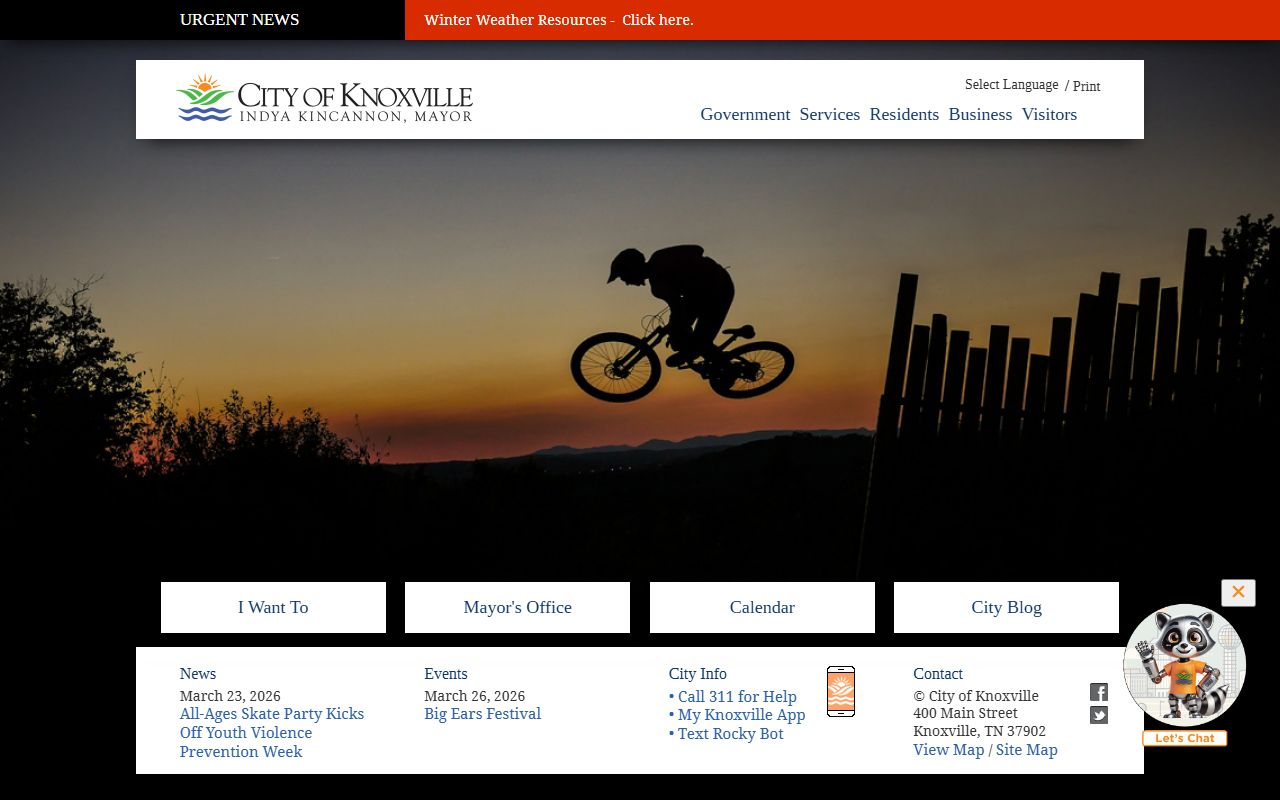
That portal matters because it helps you sort city records from county records. Knoxville city materials usually live with the city clerk, police records unit, city court, or city departments. Property, marriage, and deed records usually live at Knox County offices, not the city. Starting online saves time and keeps the search focused on the right office. The city also uses department pages for records tied to permits, code enforcement, and other city work.
City Offices and Search Paths
The City of Knoxville keeps official records, council minutes, and ordinances through the city clerk. City council agendas, minutes, and ordinances are searchable online, and the city also posts video streams of meetings. That helps when you need the paper trail behind a vote, a zoning action, or a long-running city issue. A public records request can start at the city clerk office, then move to the department that created the file if the clerk points you there.
Knoxville city records are not all the same. Some are easy to spot. Others sit inside a project file, a permit record, or a board packet. If your search touches city business, the right custodian is usually the one that created or keeps the record. That is the practical side of the TPRA. It is also why the Office of Open Records Counsel exists. The state office helps people find the right custodian, but it does not file the request for them. Its guidance is useful when a city record is split across more than one office.
The Knoxville police page at knoxvilletn.gov/police explains how incident reports, accident reports, and open records requests move through the records unit. The city court page at knoxvilletn.gov/government/city_court covers traffic citations, city ordinance violations, and docket access. Those two pages are useful when a search begins with a crash, a citation, or a police report number instead of a general city file.
- City council minutes and ordinances from the city clerk.
- Permit, zoning, and service records from the city department that made them.
- Public records requests for city files that are not posted online.
- Meeting video and agenda material for city action history.
- Records requests that may need a written form or clear description.
Knoxville residents who want a quick read on city government can start with the main portal at knoxvilletn.gov and then use the city clerk page for official documents. If you need a paper copy, a certified copy, or a file that is not visible on the site, ask the custodian for the request method they use. Some offices accept web forms, while others want a written request under state policy.
Knox County Public Records
Knoxville sits inside Knox County, so some of the most useful records for city residents are county records. The Knox County Clerk handles marriage licenses, vehicle titles and registrations, business licenses, and official minutes. Knox County also runs six clerk locations, including the main office at the Old Knox County Courthouse, 300 W. Main Avenue, Knoxville, TN 37902, and the East Office at 3010 S. Mall Road. That spread helps when you need to search in person instead of online.
The Knox County Register of Deeds is another major source. It keeps deeds, mortgages, liens, powers of attorney, plats, and other real property records in the City County Building at 400 Main Street, Suite 225. The office also offers a free fraud notification system at alertme.knoxrod.org. That is useful if you want alerts when someone records a document in your name. For property research, this office is often the place to begin, not the city.
Knox County is a home rule county, and the county government at knoxcounty.org runs the school system, health department, and library branches as well. That matters because city residents often need a county file to finish a city search. For example, a name change, a deed transfer, or a marriage record can sit in county records even when the person lives in Knoxville. A clean search plan starts with the city office, then moves to the county office that actually stores the record.
Knoxville Public Records at Police
The Knoxville Police Department handles incident and accident report requests. The records unit can provide reports to involved parties or authorized representatives, and Tennessee law controls what can be released. Active investigations are not open to the public. That is a common limit across police records, not a Knoxville-only rule. If the case is closed, the department may release more information, but you still need to make the right request and show valid identification when the office asks for it.
Accident reports are available through the Tennessee Crash Reporting System, while incident reports are usually handled by direct request. Processing time is often a few business days, though the exact wait depends on the request and the size of the file. Under the TPRA, the police records unit can also require a clear description of the record so staff can find the right report without guessing. That is especially important when you only know the date, intersection, or rough event type.
Knoxville City Court is another useful stop. It handles traffic citations, city ordinance violations, and minor criminal offenses. If your search begins with a citation, a fine, or a court date, the city court can be the record holder you need. For broader court history, the Tennessee Administrative Office of the Courts public case history portal at tncourts.gov gives access to appellate case information, opinions, judgments, orders, and motions since August 26, 2013. That portal is not a city court substitute, but it helps when a Knoxville matter moves up the ladder.
If you need the case paper itself, the city, county, or court custodian still matters more than any statewide index. Knoxville public records searches usually move faster when the request stays tied to the office that created the file instead of jumping first to a broader state-level database.
Knoxville Public Records and State Help
Some Knoxville searches need state help, especially when the local office points you to old files or a statewide archive. The Tennessee State Library and Archives at sos.tn.gov/tsla holds public records collections, including historical court material and indexes that can help with older county or circuit court research. TSLA also offers fee-based searches of indexed minutes across a five-year date span. That can save time when you know the court and approximate years, but not the exact case number.
If you run into a dispute about access, the Tennessee Open Records Counsel page at comptroller.tn.gov is the right state contact. The office helps requesters and custodians sort out public records questions, and it can give informal guidance on record access. The office also notes that custodians can take up to seven business days to respond with access, denial, or a time update. That timeline helps set expectations when a Knoxville request needs review.
State records can also help when a Knoxville matter crosses lines. For example, some records are held in county court minutes, some in city files, and some in statewide court or archive systems. The state TPRA sections on fees and access, including T.C.A. § 10-7-507 and T.C.A. § 10-7-701, are useful when you need to ask for a waiver or find the right guidance source. The key is to match the request to the office that actually keeps the file.
What To Request First
Good Knoxville searches start with the record that best fits the question. If you want a city issue, begin with the city office. If you want property, marriage, or land history, go to Knox County. If the file is old or statewide, use TSLA or the court portal. The goal is to avoid a broad search that wastes time in the wrong office.
These are the most common Knoxville records to ask for first.
- City council minutes, ordinances, and agendas from the city clerk.
- Police incident or accident reports from the records unit.
- City court dockets for traffic and ordinance cases.
- Marriage licenses and county clerk records for Knox County.
- Deeds, plats, and liens from the Register of Deeds.
- Historical court minutes or older files from TSLA.
When you write the request, be specific. Names, dates, case numbers, addresses, and document types all help. Under the TPRA, a custodian can ask for a record description that is detailed enough to find the right file. If you are not sure which office has it, start with the city clerk or county clerk and ask where the record lives. That usually shortens the search more than a wide-open request does.
Note: Knoxville records often split across city, county, and state offices, so the fastest path is usually the one that matches the office that created the file.